Root Me Xmas CTF 2025 | Santa Root Kit
Author: Herethicc
Context
Oh no, it looks like the Grinch’s assistant pwned us! Luckily, our experts managed to recover two key pieces of information:
- A file hash: bf6a54d181b9bbcb168720b9d466ca27d14ead283220ee5a9e777352c16edca3
- A leaked message saying that more intel can be found somewhere in a vault.
Hash Check Analysis
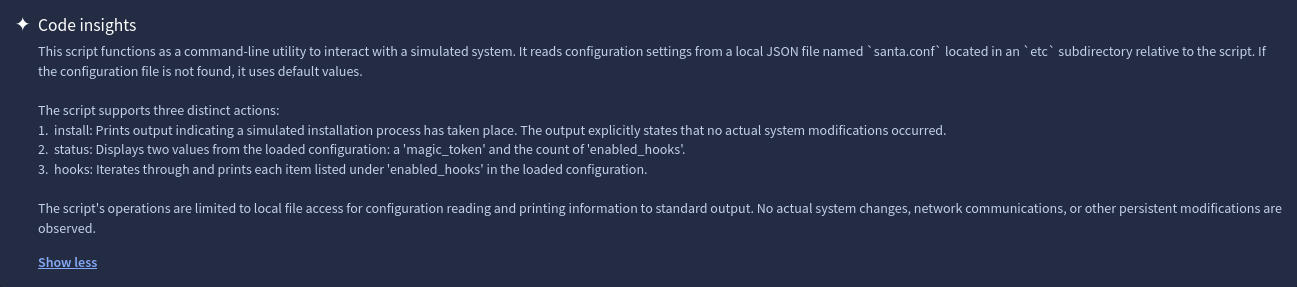
Let’s check the file hash on VirusTotal.

We get a file name sleighctl.py.
Repository Analysis
By copy-pasting the Python file name into GitHub, we can find the associated repo containing the file:
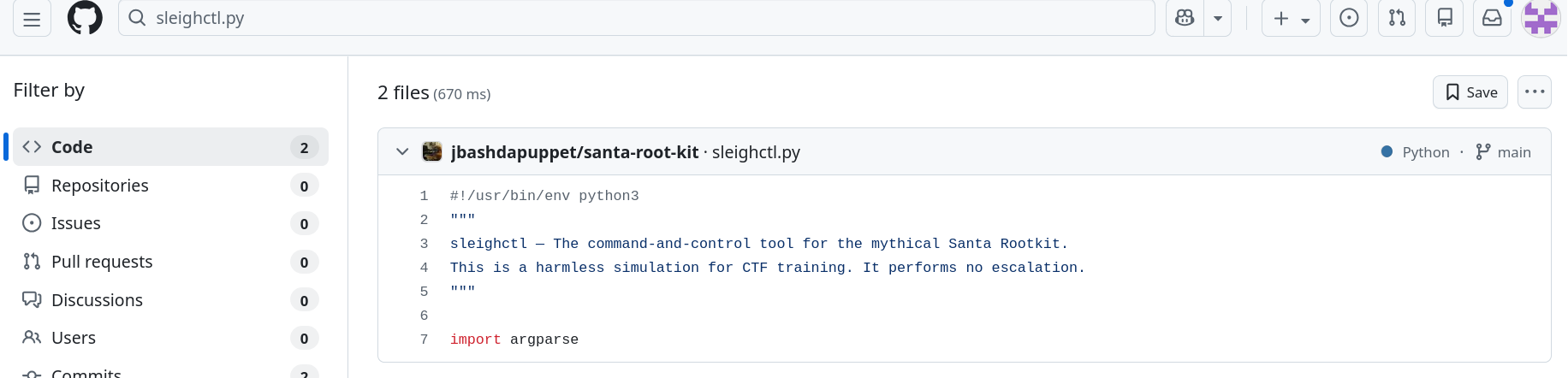
Let’s have a look:
git clone https://github.com/jbashdapuppet/santa-root-kit
cd santa-root-kit/
~/santa-root-kit$ tree
.
├── Disclaimer
├── etc
│   └── santa.conf
├── lib
│   ├── elf_parser.py
│   └── reindeer_hooks.py
├── README.md
└── sleighctl.py
Let’s check the commits:
~/santa-root-kit$ git log -p
commit cff1a5dcff4a348824956daf4541532bb4d73048 (HEAD -> main, origin/main, origin/HEAD)
Author: jbashdapuppet jbash@tutamail.com
Date:   Wed Dec 10 22:16:37 2025 +0100
    Update santa.conf
diff --git a/etc/santa.conf b/etc/santa.conf
index 3ad6880..0b9a91b 100644
--- a/etc/santa.conf
+++ b/etc/santa.conf
@@ -1,5 +1,5 @@
 {
"magic_token": "RM{D1D_Y0U_r3411Y_7H1N6_17_W0U1D_83_7H47_345Y}",
+    "magic_token": "NPM{30L133N3}",
     "enabled_hooks": [
         "rudolph_syscall_hide",
         "dasher_filecloak"
     ]
}
Unfortunately, RM{D1D_Y0U_r3411Y_7H1N6_17_W0U1D_83_7H47_345Y} is a fake flag.
After inspecting the sleighctl.py file, there is an interesting comment:
+#TODO: Optimize the code / Add comments / Replace our PGP key on "that website"
We can guess that there is a PGP key on a certain website.
After some research, we found the same username on Keybase:
This is a jackpot!
Extracting the Information
Here is the website:

Some useful commands:
jbashdapuppet's public key
fingerprint:    3E5D3EC729A1814055DA68A22A2E08081E78AB3D
64-bit:         2A2E08081E78AB3D
curl/raw:       this key | all their PGP keys
# curl + gpg pro tip: import jbashdapuppet's keys
curl https://keybase.io/jbashdapuppet/pgp_keys.asc | gpg --import
# the Keybase app can push to gpg keychain, too
keybase pgp pull jbashdapuppet
Now just run the first command shown on the website and we’re done!
curl https://keybase.io/jbashdapuppet/pgp_keys.asc | gpg --import
  % Total    % Received % Xferd  Average Speed   Time    Time     Time  Current
                                 Dload  Upload   Total   Spent    Left  Speed
100  3277  100  3277    0     0   9719      0 --:--:-- --:--:-- --:--:--  9724
gpg: key 2A2E08081E78AB3D: public key "jasonbashdapuppet (Temporary key, replace with the one located at https://drive.proton.me/urls/MEK165VH8R#PhiRcVi8lCw1) jbash@tutamail.com" imported
gpg: Total number processed: 1
gpg:               imported: 1
We get a Proton Drive link:
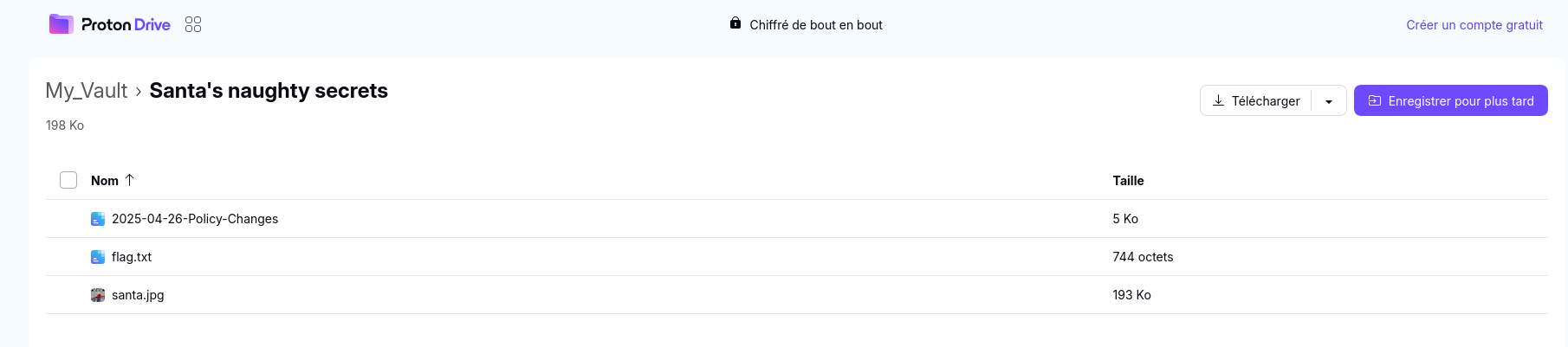
The flag is inside the flag.txt file.